How to post an event people nearby will notice
Someone scanning the map gives your pin a moment to say what, when and where. Here is the checklist we would hand any venue before its first post.
A pin on the map has a moment to answer three questions: what is it, when is it, and is it worth the walk?
People open Vibespot when they are deciding what to do next. They see your icon, then your title, then your card, and most of what decides whether they tap is settled before you press Create Event. Here is the checklist we would hand any venue or organizer before their first post.
Check the map first
Search for your event or your venue before you post. Vibespot imports public event listings, each credited to its source on the card. If yours is already there, share that one instead of posting a twin at the same address. Two vibes for one night split the likes and boosts between them.
Get the four fixed things right
Once a vibe is published, you can change its icon, description and photos. The title, venue, date and time, and admission stay as they are.
If one of those turns out wrong, post a corrected vibe and archive the old one. On the web map, Create from this vibe in your card's menu starts the new one with the title, description, tags, icon and venue filled in; add the photo again.
The title. Name the thing. "Live Jazz on the Patio" tells someone what they will walk into; "Friday Night Vibes" does not. Keep it short and spend the words on the act or the hook. Emoji belong in the icon, hashtags in the description.
The time. Set the exact start and end, in the venue's local time. While your vibe is on, Vibespot marks it as happening now, and once it ends it leaves the map. End it too early and your vibe vanishes while people are still parking; too late and you send someone to a locked door. If Vibespot filled in the form from your event page or a voice note, check the times, the end most of all: when the source gives no end, Vibespot has to guess.
Weekly trivia or a standing happy hour can be set to repeat instead of being posted by hand. What you can schedule depends on your account, and venue accounts keep more vibes live at once.
The venue. Pick the exact place from search, not the shopping center it sits in or the street outside. Your vibe joins that venue's page, which lists everything coming up there, with directions and links to Google Maps and Uber. The wrong venue means directions to the wrong door.
Admission. Mark it Free or Paid. If you charge, add the ticket link, so your card sends people straight to it.
Photo, icon, words and tags
You can fix these after publishing. You will get fewer taps until you do.
Lead with a real photo. Your first photo is the big image at the top of your card and the picture in your link preview. Without one, a shared link previews with your icon or a generic Vibespot image. Our take: a photo of the actual room, stage or plate beats a flyer. Your card already sets out the title, time and venue in clean type, and a flyer repeats them smaller. If a flyer is what you have, use it; the link preview shows the whole image without cropping it.
Pick the icon like a sign out front. From across the map, your pin is mostly its emoji. A trumpet says jazz. A sparkle says nothing.
Write the description for a decision. The card opens on the first few lines, so put what someone needs to say yes at the top: who is playing or what is served, whether kids are welcome, where to park.
Use three to five specific #tags. On Vibespot, tags are the hashtags in your description, and each one links to a page of everything on the map that carries it. Use one broad tag people already browse, like #music, #nightlife, #family or #outdoors, then two or three specific ones: #jazz, #trivia, #happyhour, #farmersmarket. Write each as one lowercase word, #livemusic rather than #Live_Music. The tag bar at the top of the map shows the tags most used in the area on screen; borrow from it.
A tag is a shelf, not a slogan. One named after your own party puts it on a shelf by itself.
Then send it where your people already are
Share the vibe link. The share button on your card gives you a link that opens your vibe on the map and previews in chats and feeds as a picture with your photo, the date and the venue. Post it in your story, newsletter and group chats.
Share your venue page for everything at once. It lists what is coming up at your address, so one link stays current. If you post at different places, share your profile instead; it lists your upcoming vibes.
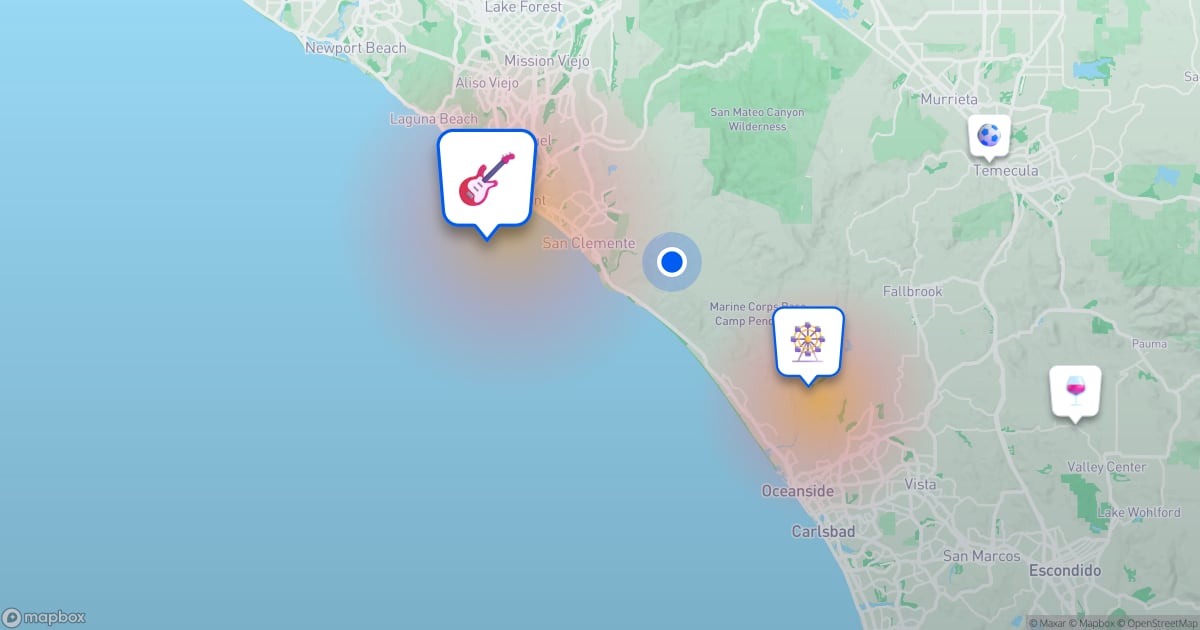
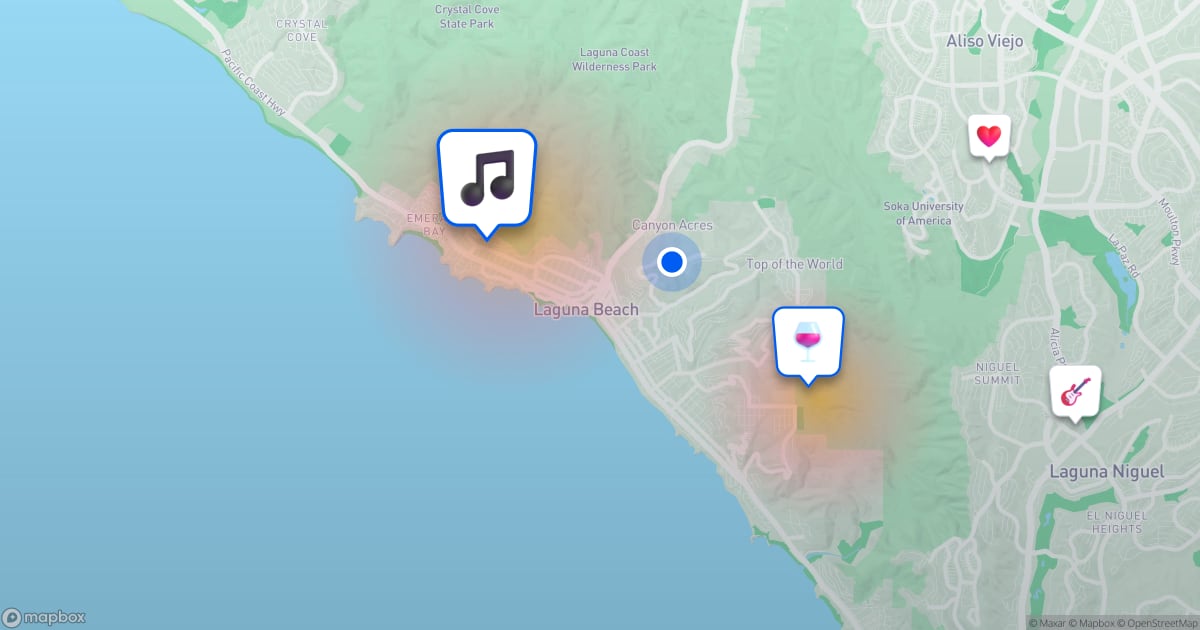
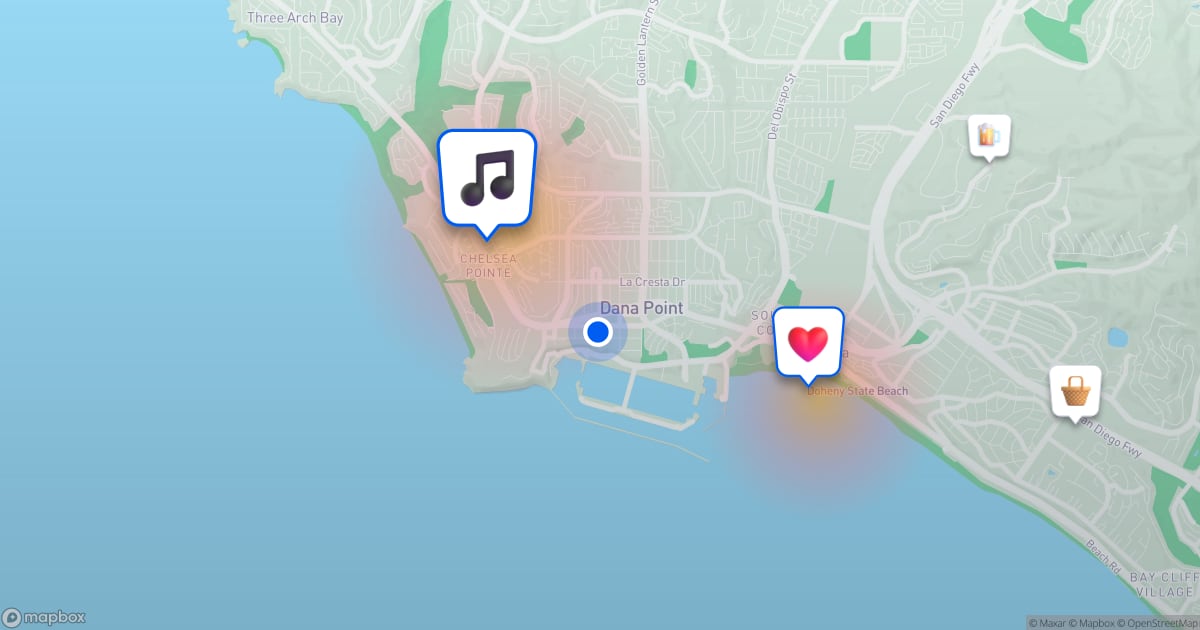
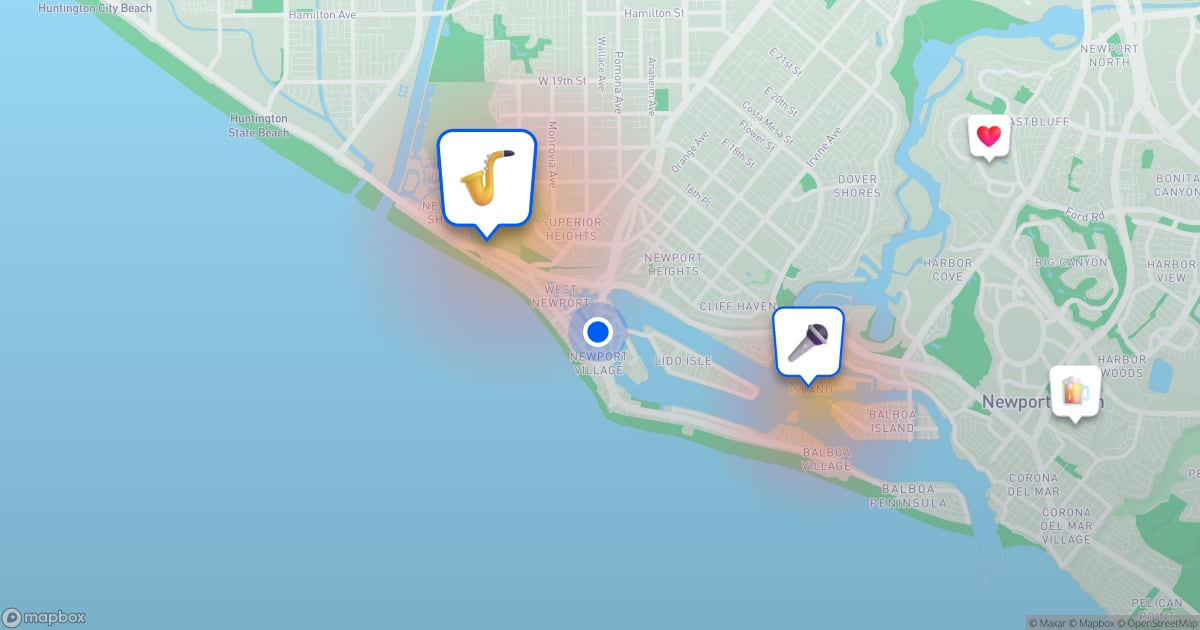
Use the city map for the bigger picture. Each city we cover has its own address on the live map, and it previews with a map of the town: Dana Point, Laguna Beach, Laguna Niguel, Newport Beach, San Clemente and Carlsbad. It suits a bio link or a table tent, and shows your event among its neighbors.
Ask for boosts in person. You can't boost your own vibe. Boosts come from signed-in people with a verified phone and a daily allowance, so each one is someone vouching for you. Likes and boosts both raise a vibe's standing: on the map, more popular pins are drawn a little larger and sit on top of quieter neighbors, and lists sorted by popularity put them first. Tap the boost button on your own vibe and Vibespot offers a QR code that opens it. Put it by the register or on the bar.
The checklist
- Searched the map first
- A title that names the thing
- Exact start and end, in the venue's time
- The exact venue
- Free or Paid, plus a ticket link if paid
- A real photo first
- An icon that reads at a glance
- The deciding details up top
- Three to five lowercase tags, one broad
- The vibe link shared where your crowd is
- A QR code up for boosts
None of this is advertising. It is telling the people around you, clearly, that something good is happening and where the door is.